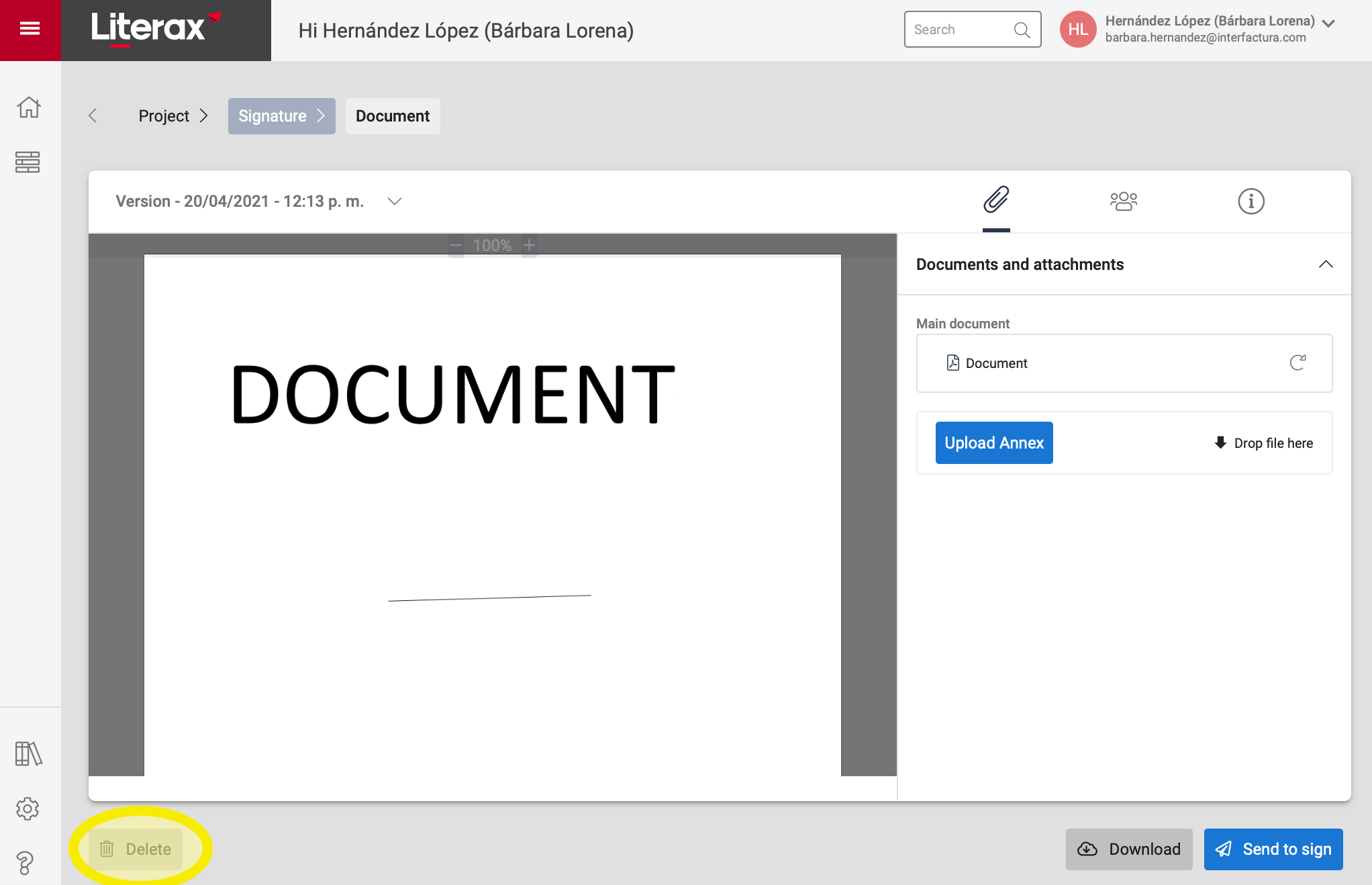
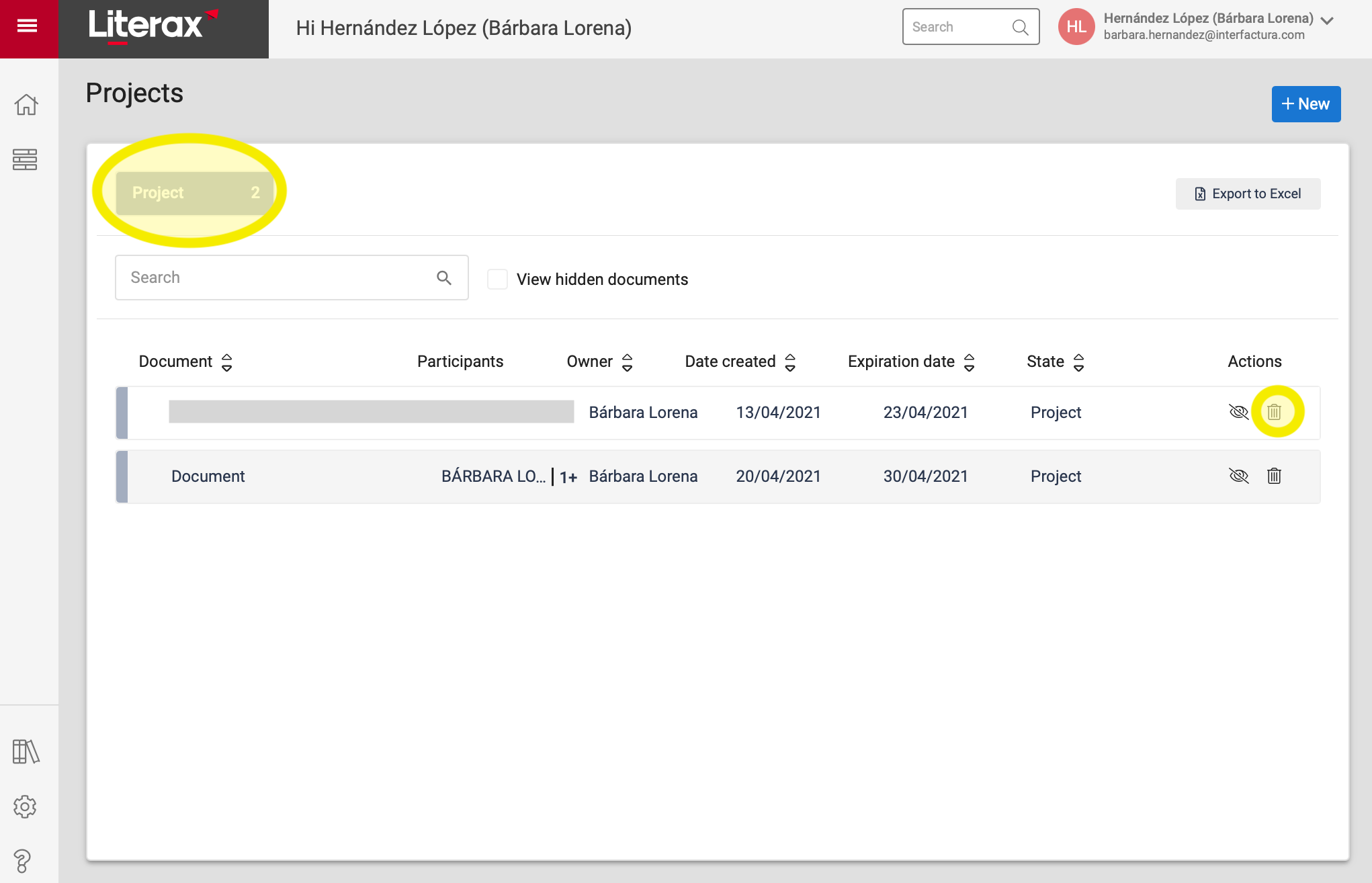
The owner or author of a document who has uploaded a file can delete it when it is in Project status:
Option A. From the Projects list, select the trash can icon to Delete.
Option B. From the Document Viewer, select the Delete button located in the lower left corner of the screen.