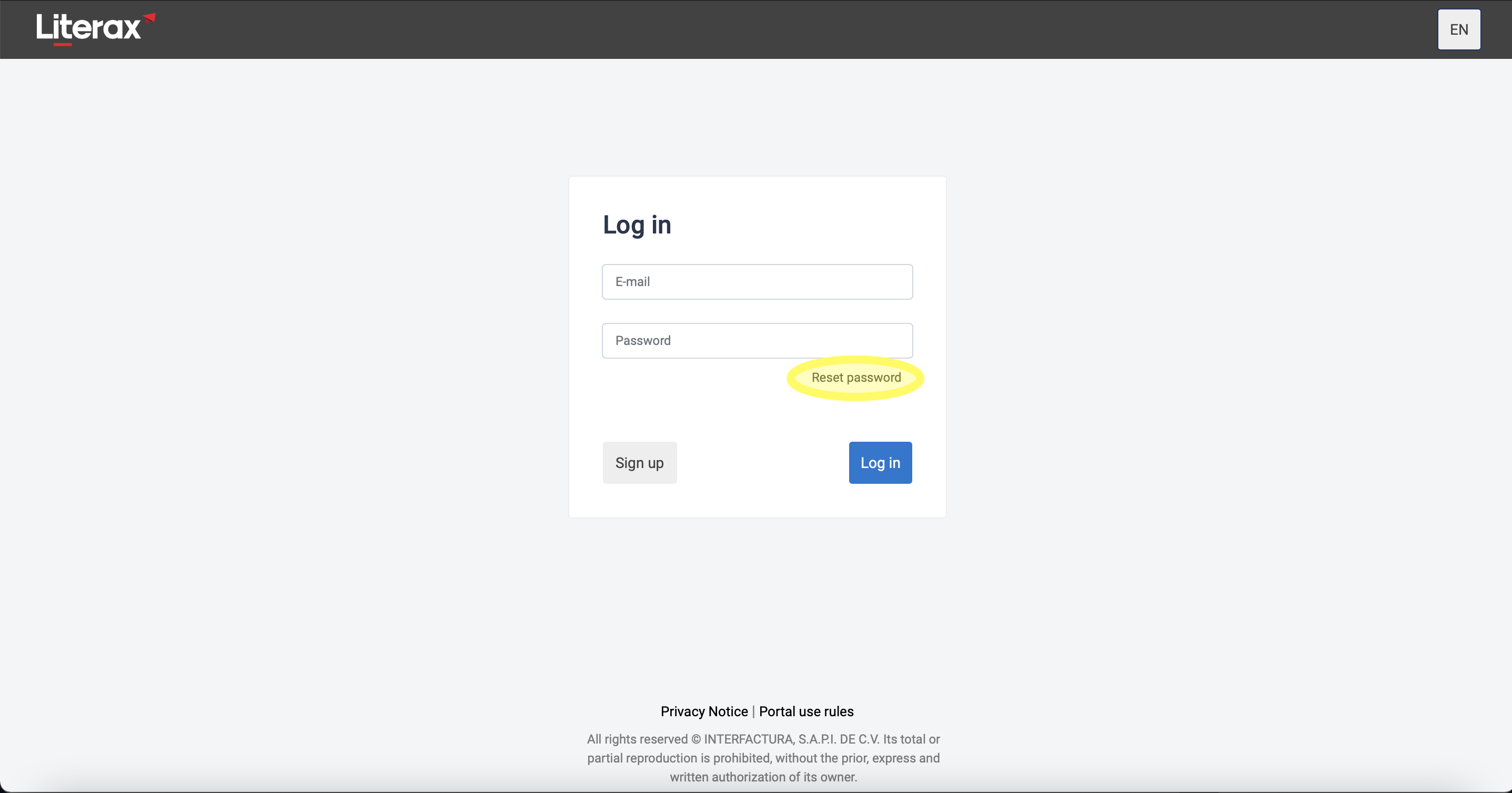
On the main page https://portal.interfirma.com.mx/auth/login before entering Interfirma, the user will be asked for the login data, in case of not having the password, you can reestablish it by following these steps :
- Click the Reset Password legend below the Password box.
- A second page appears asking for the user's email, capture it and click Reset.
- You will receive an email with a link to the password reset page, click the link to open it.
- Enter your new password and retype it in the second box.
- Click Save and Done! You will have changed your password.