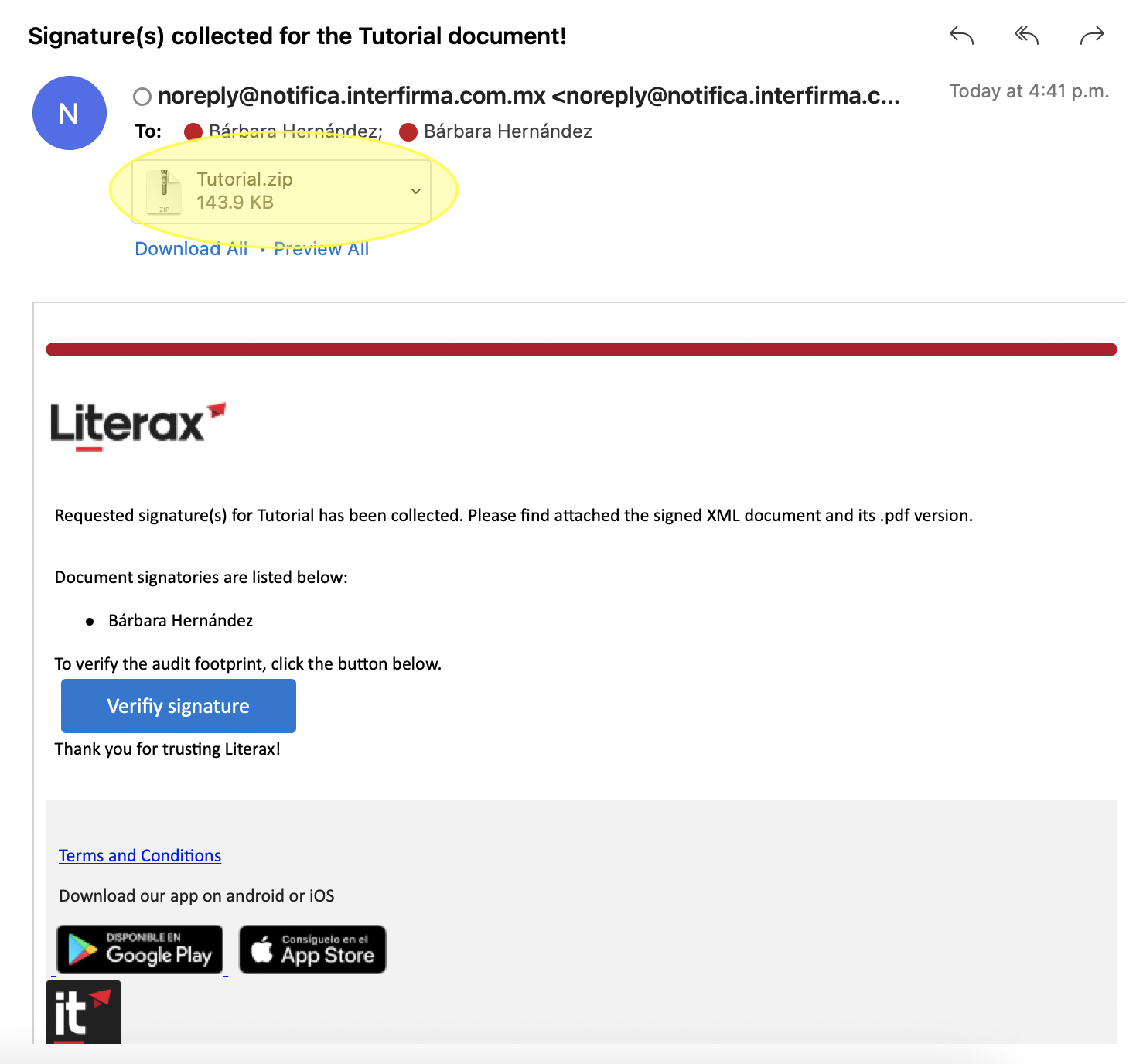
Did you receive an invitation to sign via email?
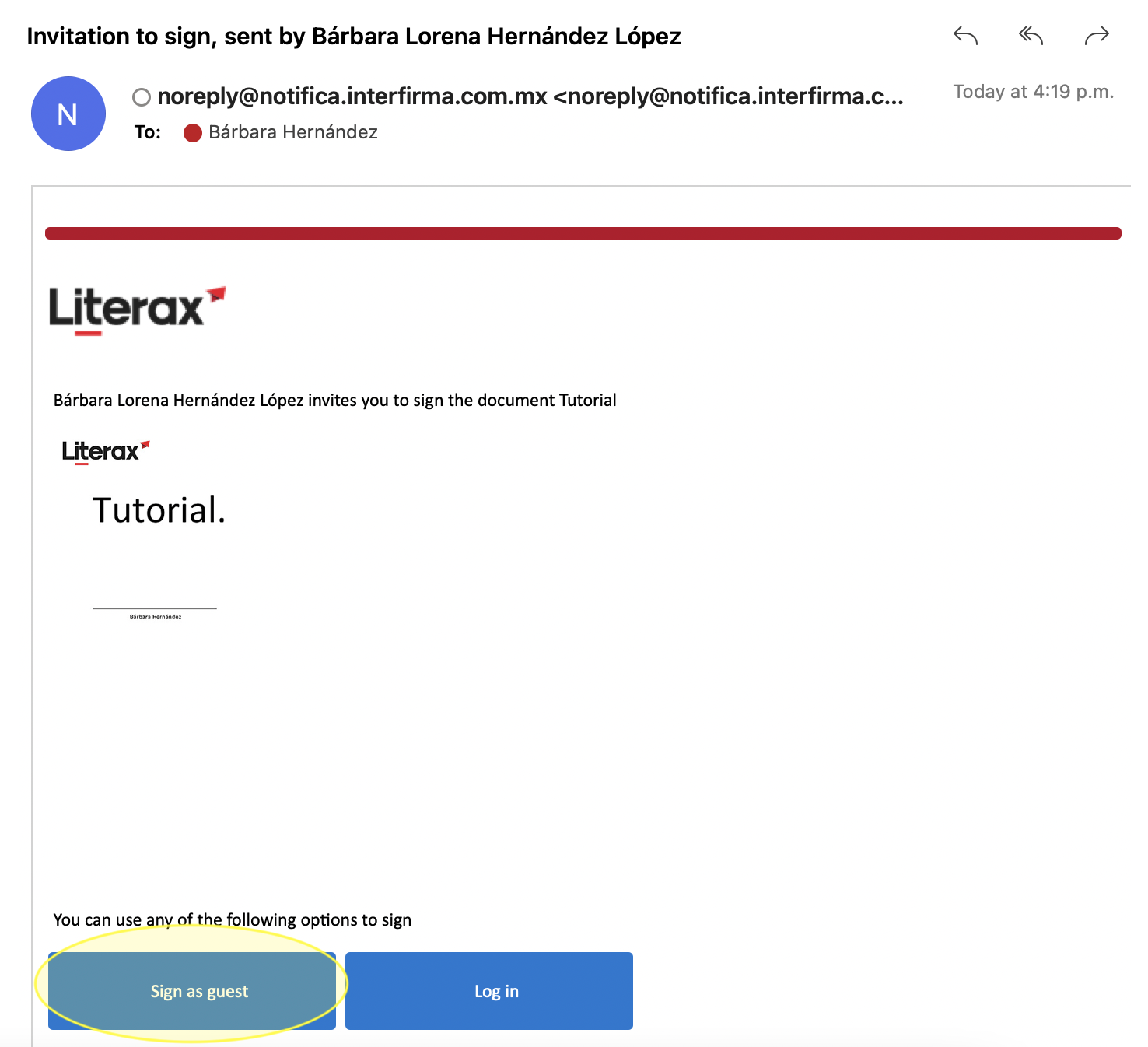
1. Select Sign as guest if you do not have an account as a registered user, or log in.
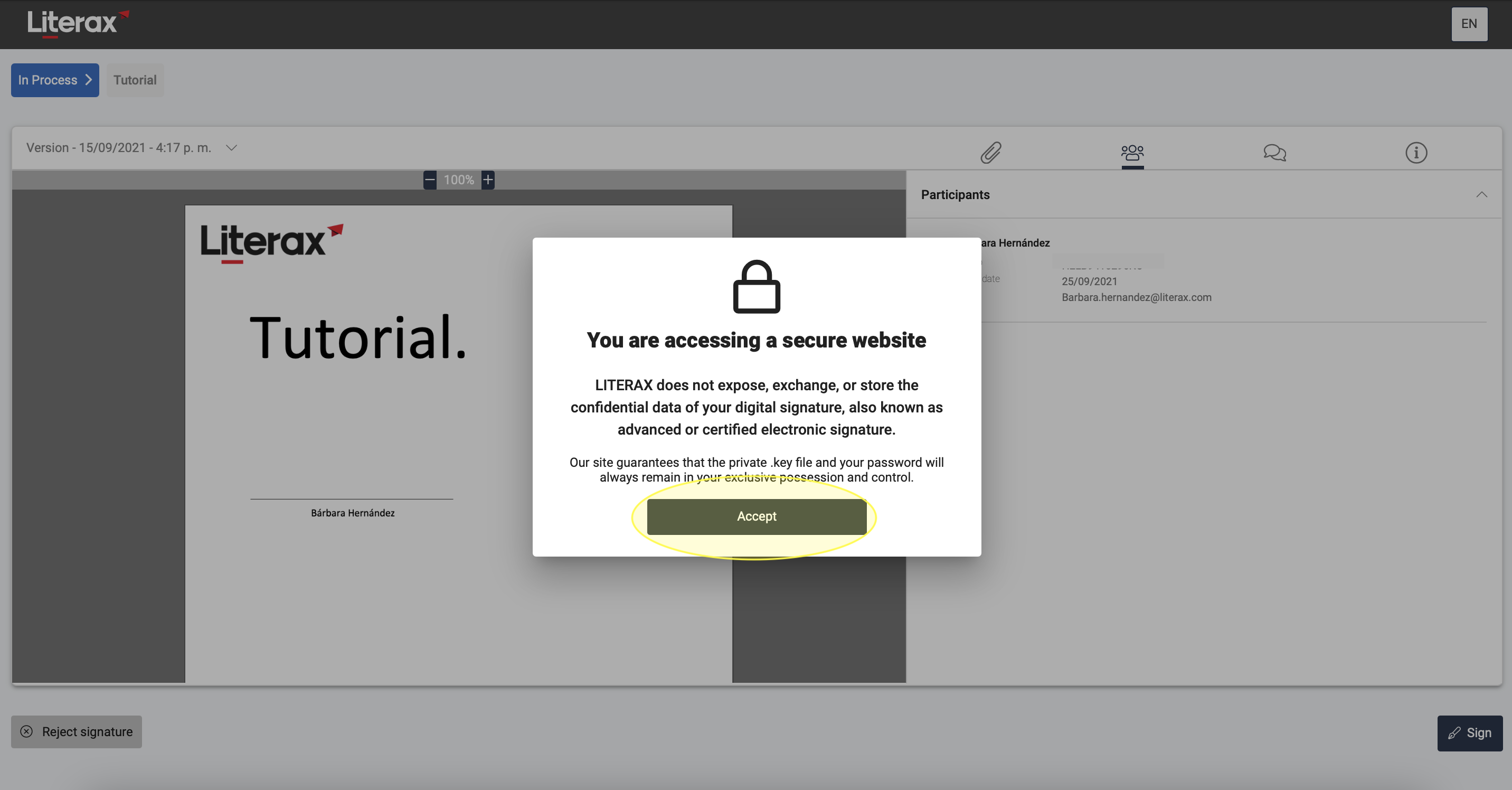
2. Read the document and its attachments.
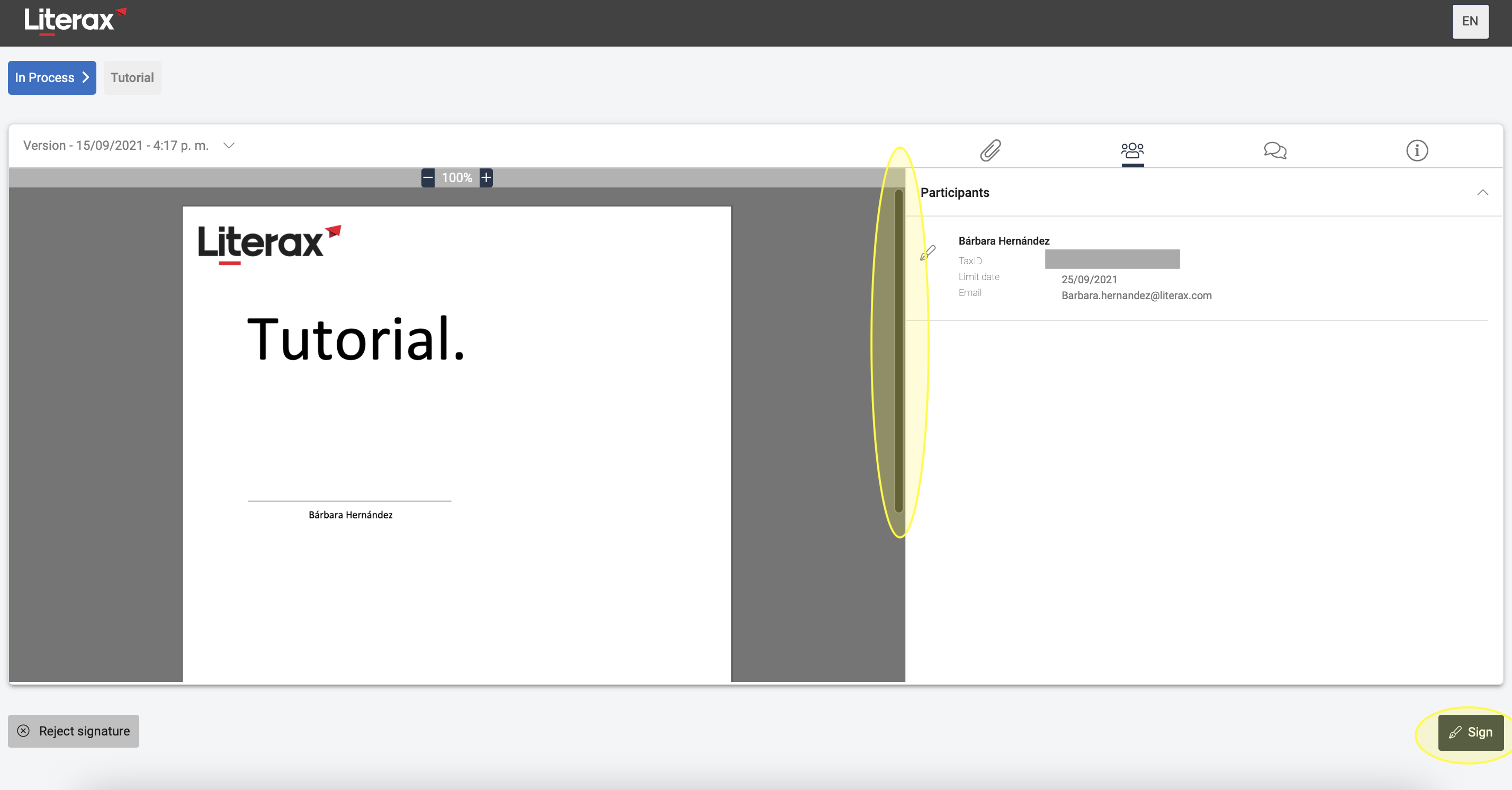
Make sure to scroll all the way through the document and attachments or else the Signature button will not be enabled.
3. Click the Sign button located at the bottom right.
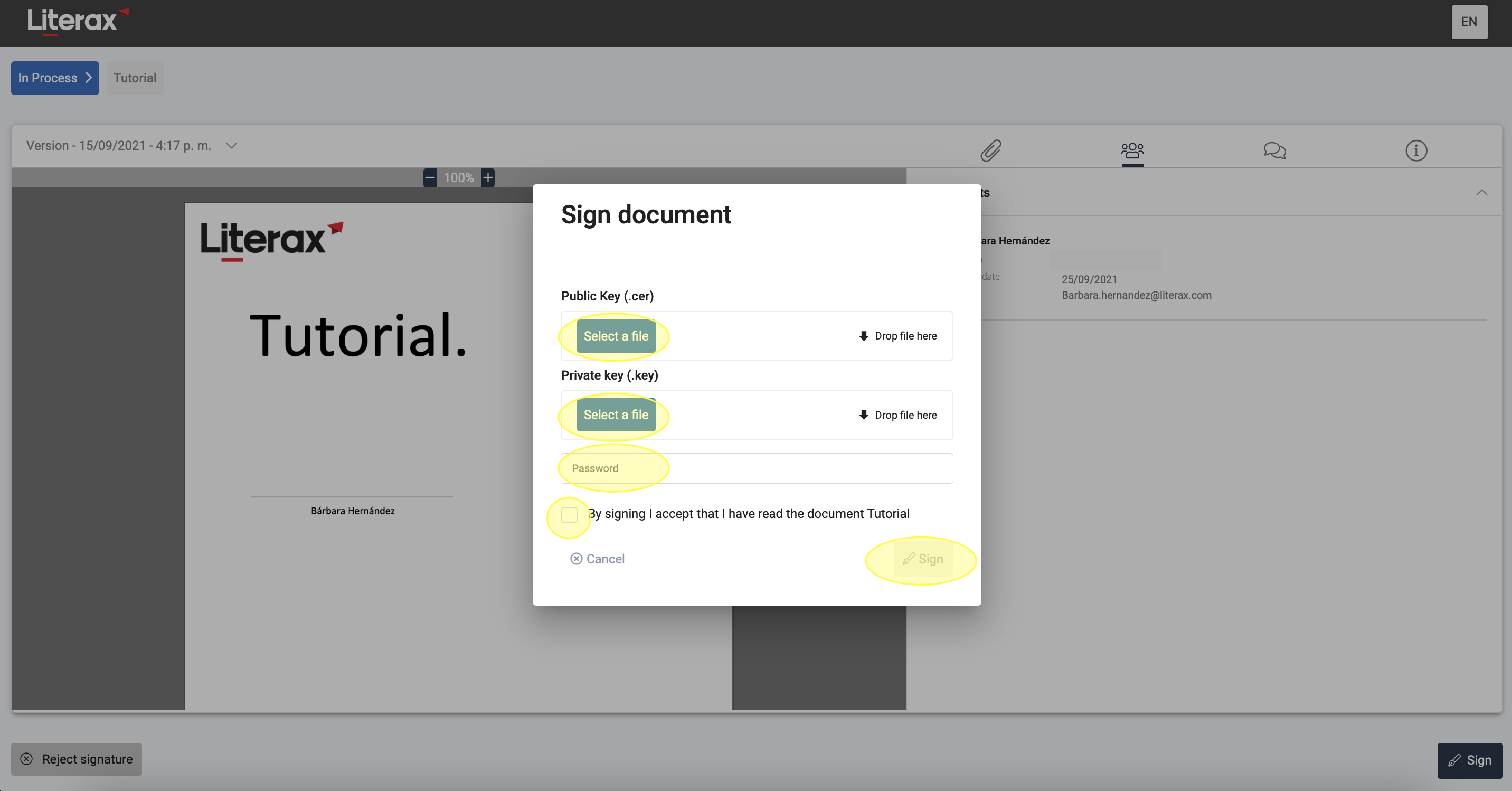
4. Load your .cer, .key and password of your digital signature | e.firma.
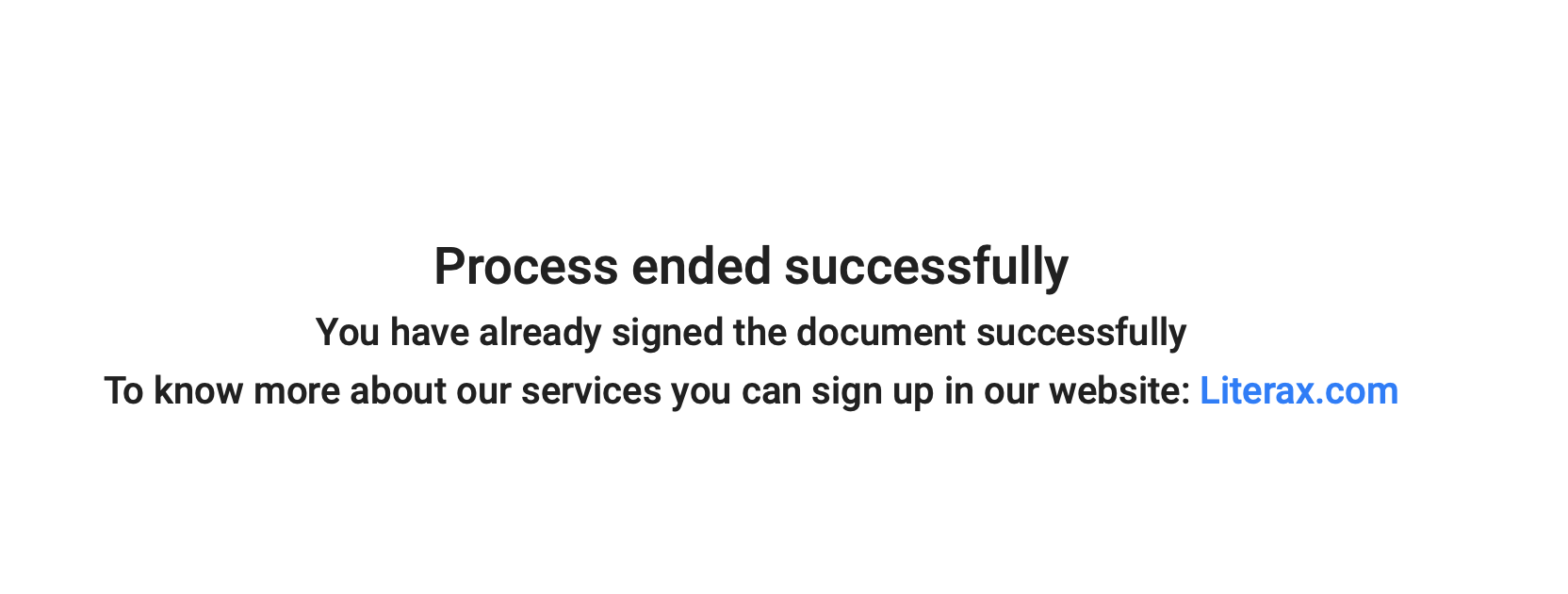
5. All set! The participants will receive an email with the result of the signature process.