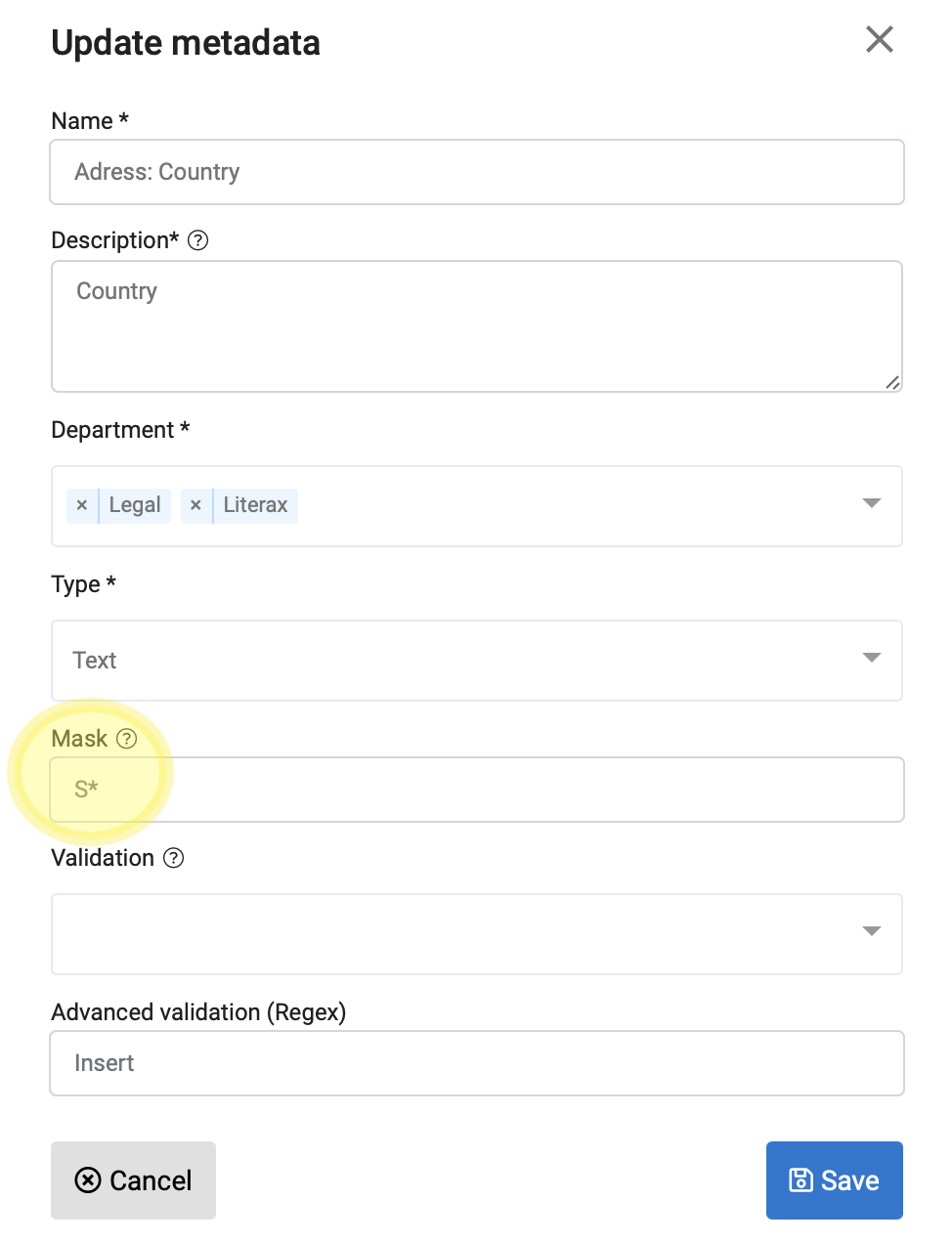
A mask sets the code for the format in which data is received.
The codes used are:
|
Code |
Meaning |
|
0 |
Required numbers (digits from 0 to 9) |
|
9 |
Optional numbers (digits from 0 to 9) |
|
A |
Letters and numbers (Alphanumeric, uppercase and lowercase) |
|
S |
Letters only (Alphabetical, uppercase and lowercase) |
|
* |
Indefinite repetitions |
Example:
| Mask | Example |
|---|---|
| 9999-99-99 | 2017-04-15 |
| 0*.00 | 2017.22 |
| 000.000.000-99 | 048.457.987-98 |
| AAAA | 0F6g |
| SSSS | asDF |
You can apply a mask for the reception of some data if you want to establish a format validation that contributes to the management of clean data:
1. When creating a New Metadata (see related article)
2. Editing a Metadata of your Catalog (see related article)