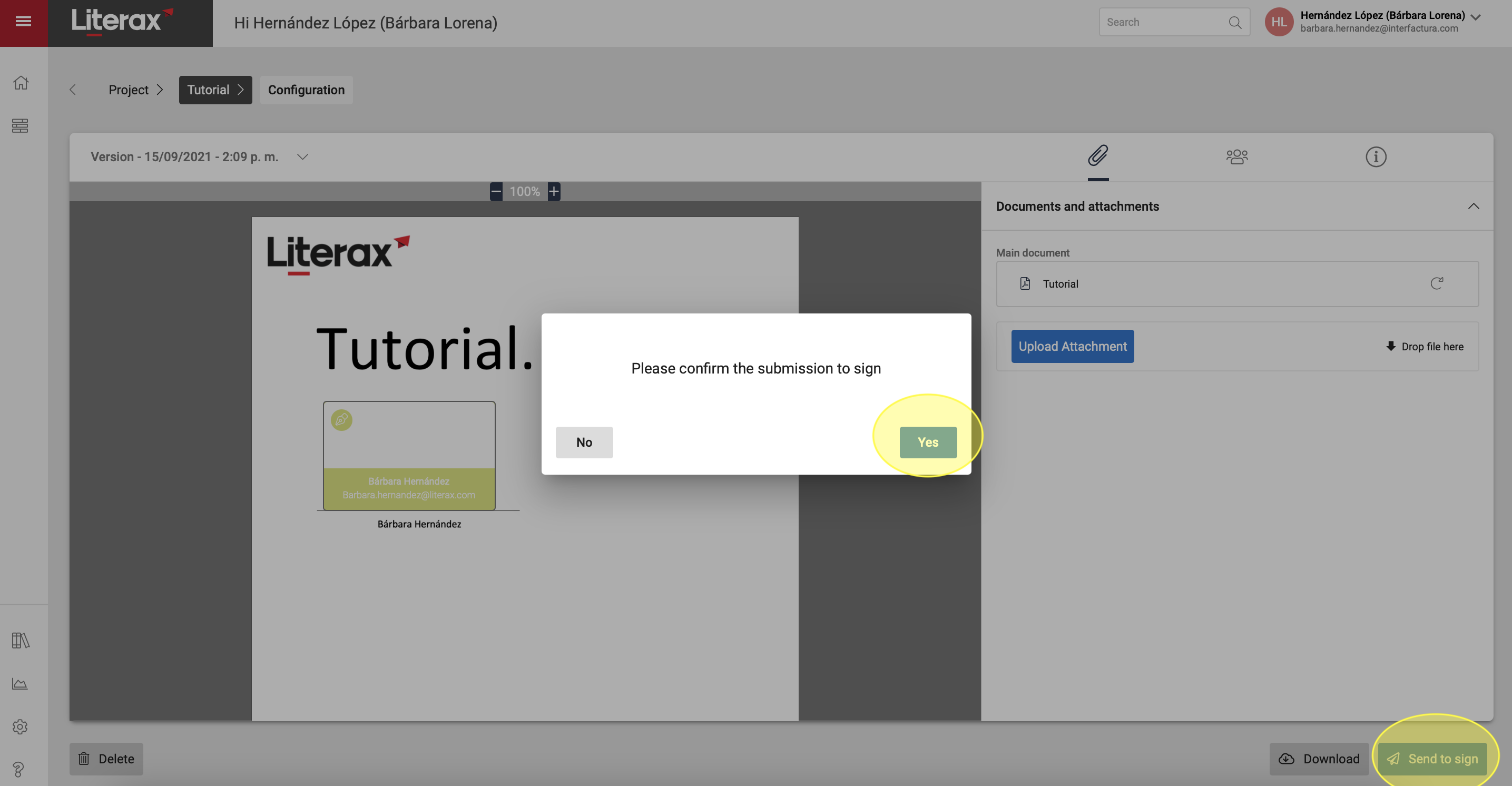
To carry out an online signing process, it is necessary to configure Participants, where the information of at least one signing recipient is captured to send the invitation to sign. To Configure signatories:
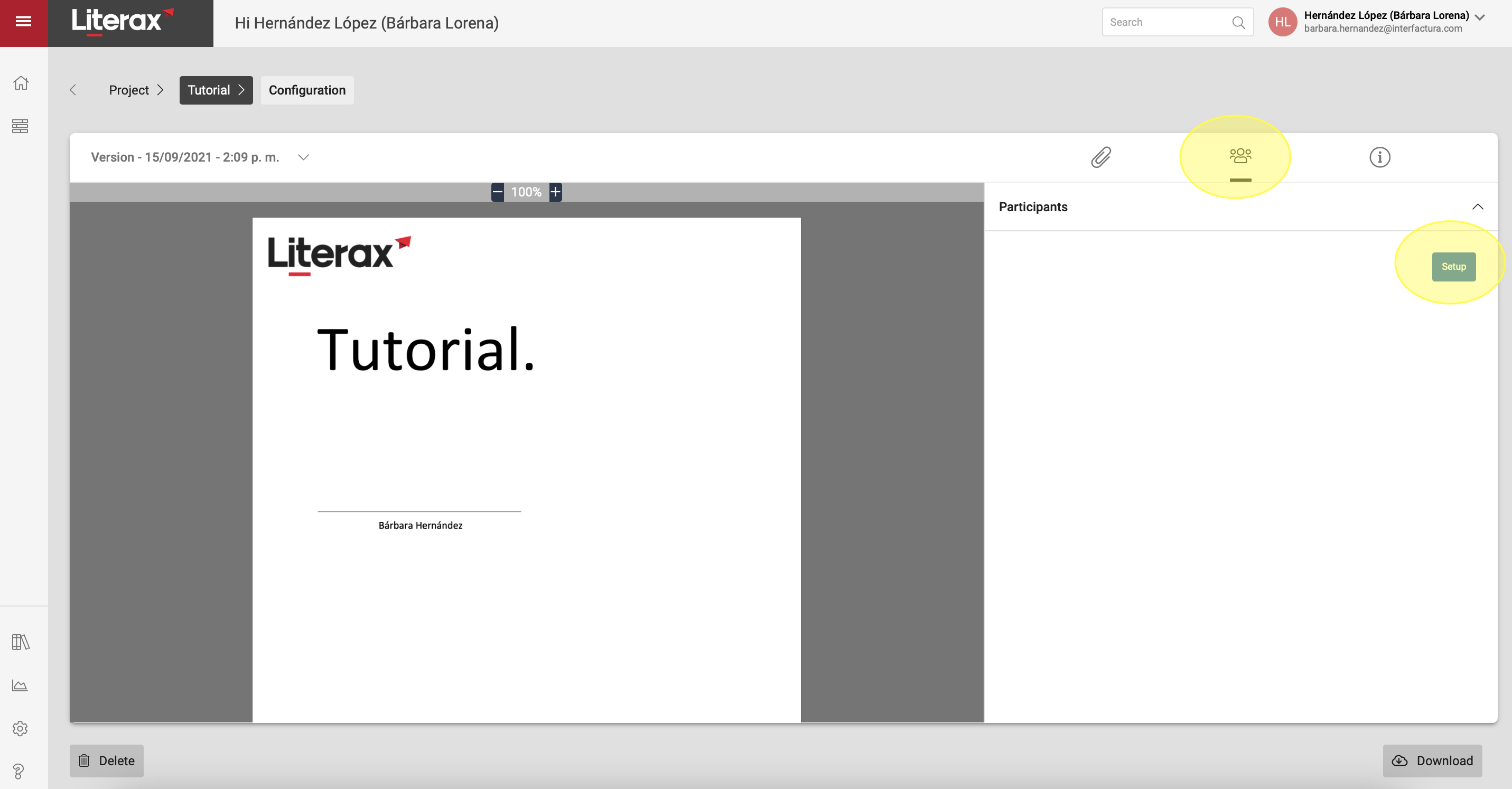
1. Select the Participants button.
2. Press Setup.
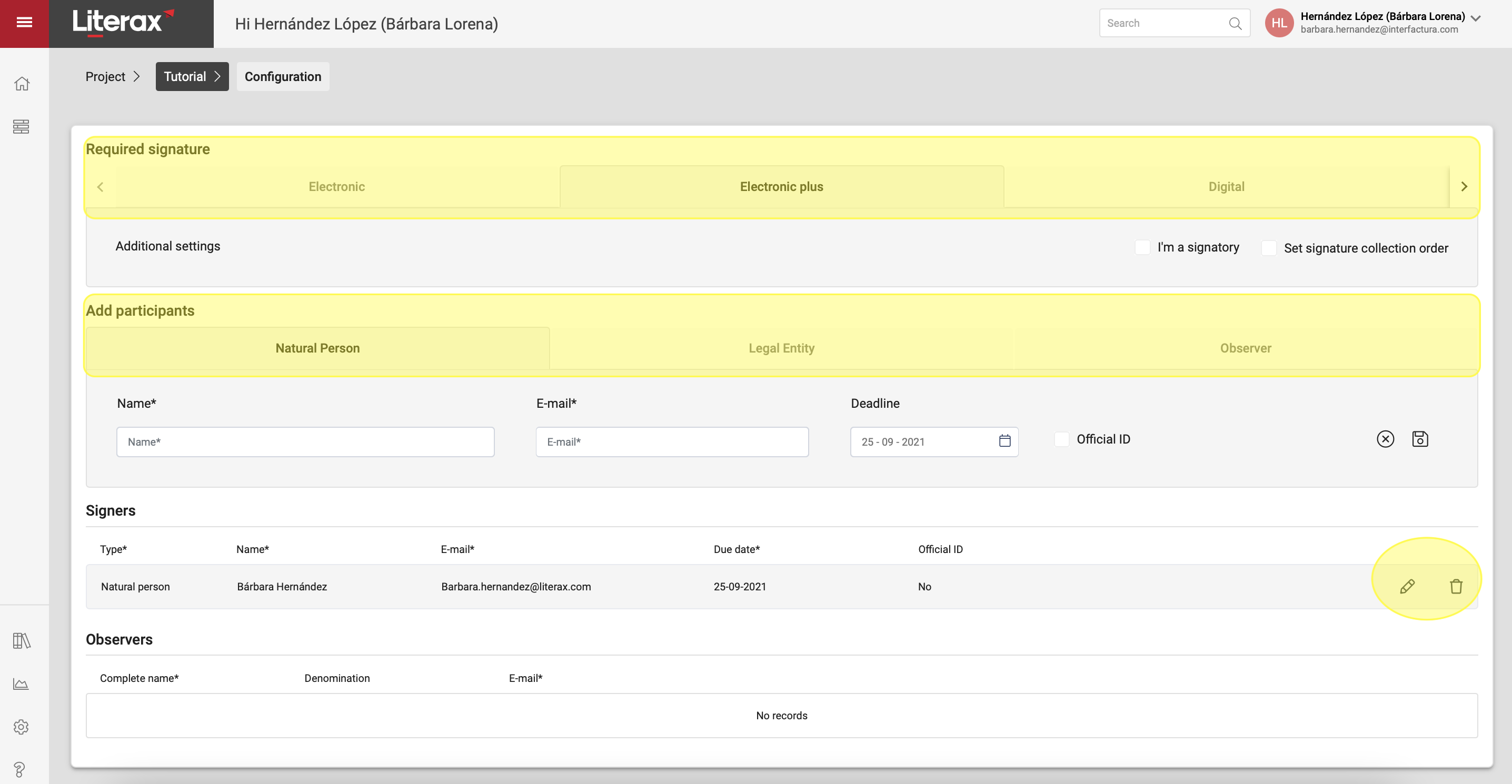
3. Select the type of online signature you want on the document.
4. Complete the signatory´s information.
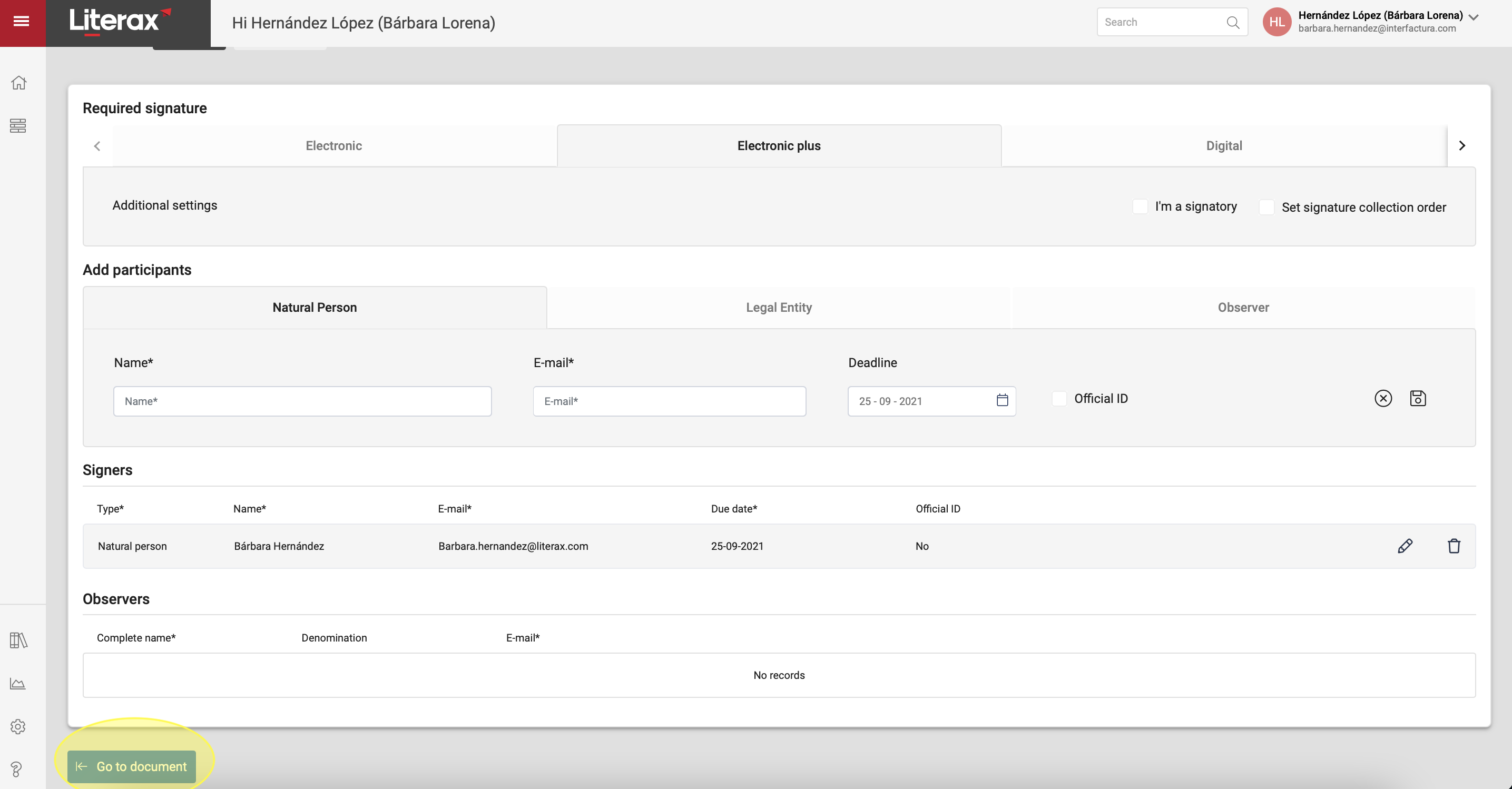
5. If it is an electronic signature or electronic plus, return to the document to place the boxes where you want the digital trace to appear.
6. Press Send to sign to send the invitation for signature to the Participants of the process.