
To create a new document:
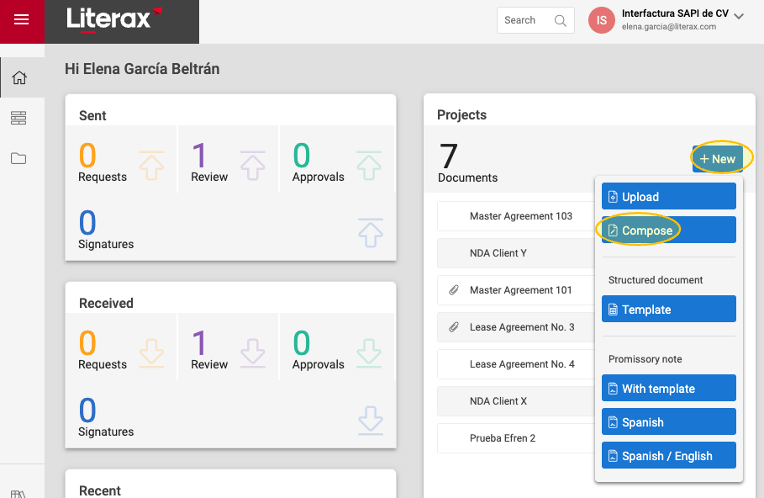
1. Go to Home, then click New
2. From the drop-down menu, select Compose.
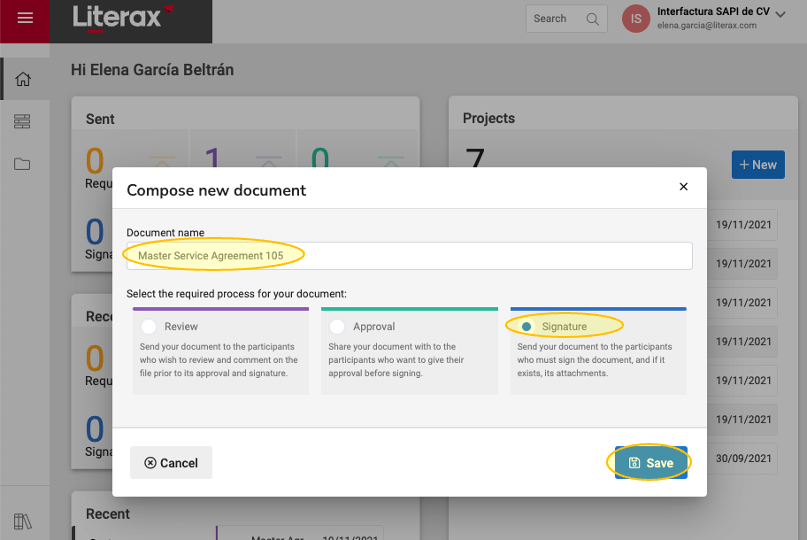
3. Choose a name for the document.
4. Select the process you wish to follow: Review, Approval or Signature.
5. Click Save
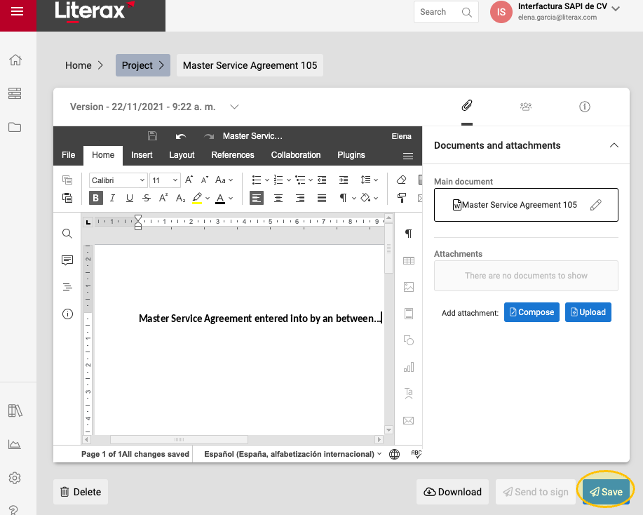
6. The word processor will open for you to start drafting your new document.
7. Once you’re done drafting your document, click Save.
8. Continue with the next steps of your process (review, approval or signature).