If you want to create one or more attachments to the document sent for signature, please follow the next steps:
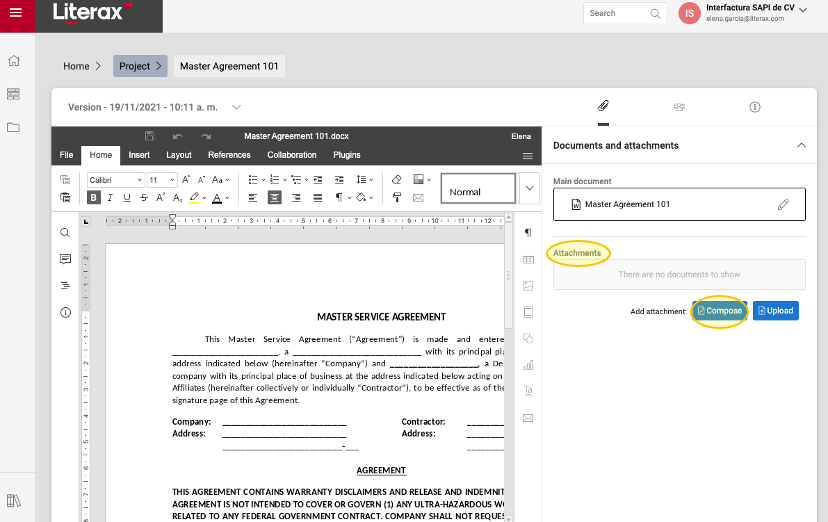
1. Once the process to send a document for signature has started (please see Send a document for signature) and the main document has been uploaded, go to Attachments and click Compose.
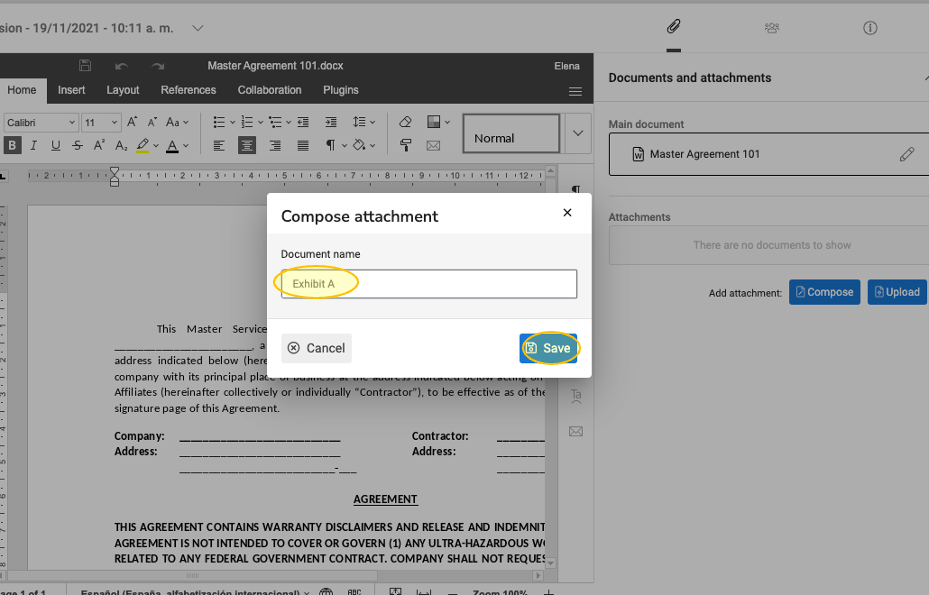
2. Choose a name for the attachment and click Save.
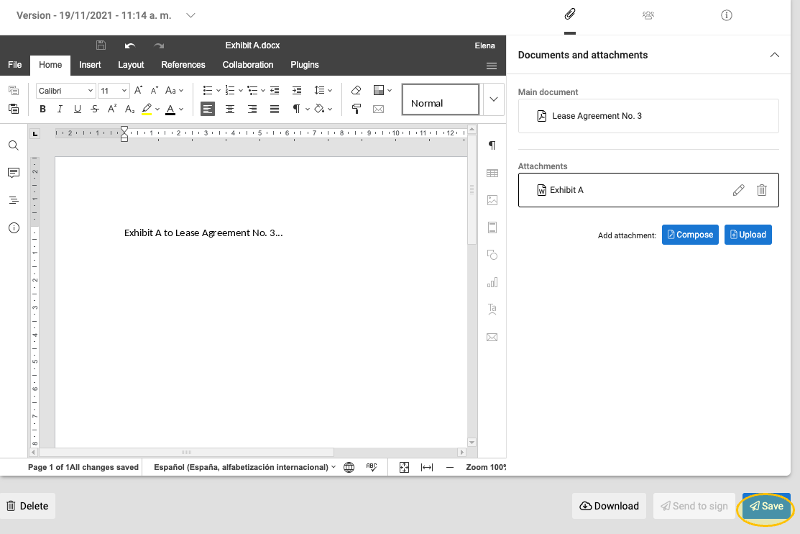
3. The word processor will appear. Compose your attachment.
4. Once you’re done, click Save.