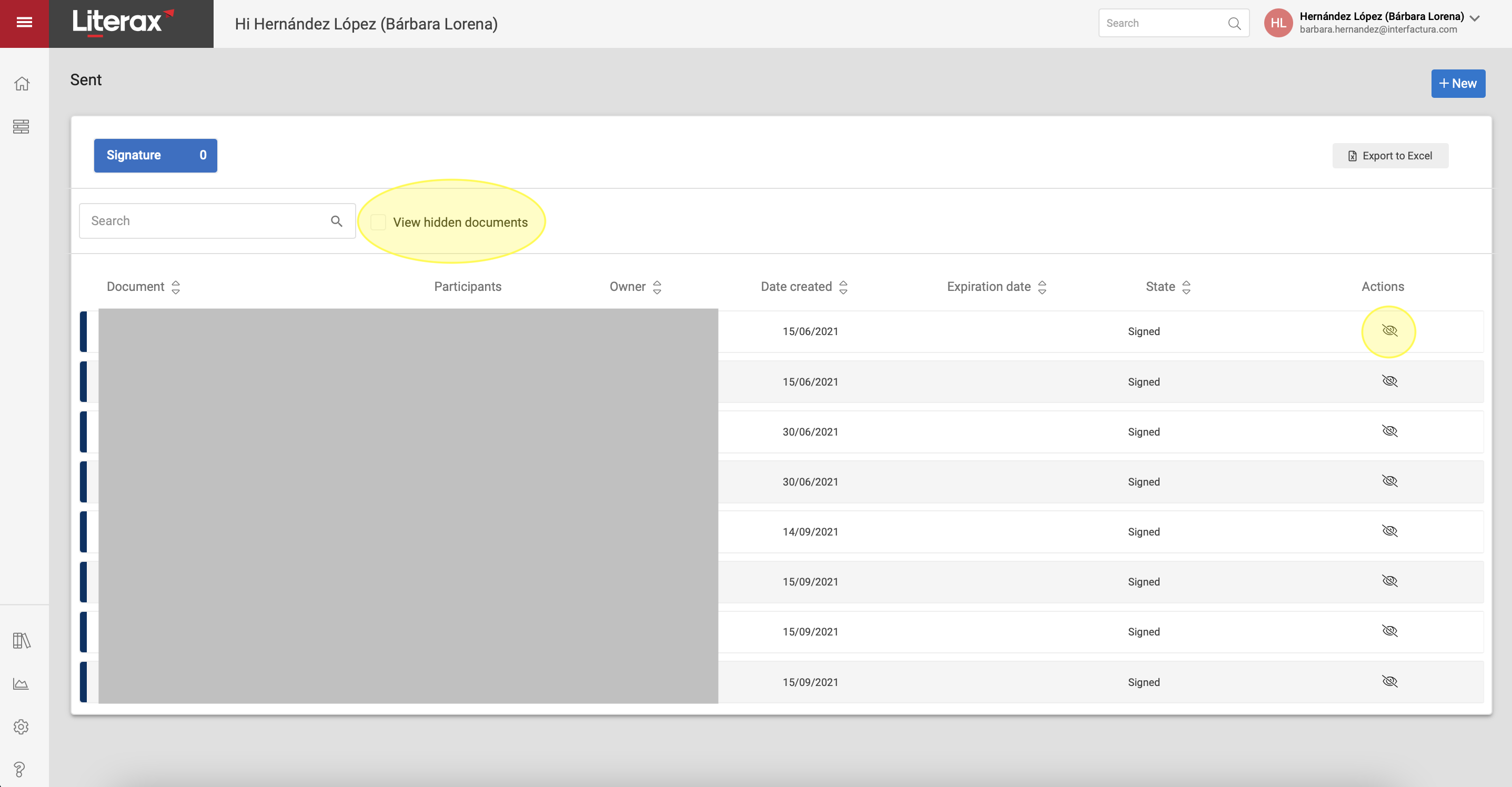
1. To hide documents from a list, click on the eye icon with a slash.
2. If you want to view the hidden documents, select the box (checkbox) in the upper strip of the list that indicates View hidden documents.

1. To hide documents from a list, click on the eye icon with a slash.
2. If you want to view the hidden documents, select the box (checkbox) in the upper strip of the list that indicates View hidden documents.