
In the Received documents, the actions you can take if the document is in the signing process are:
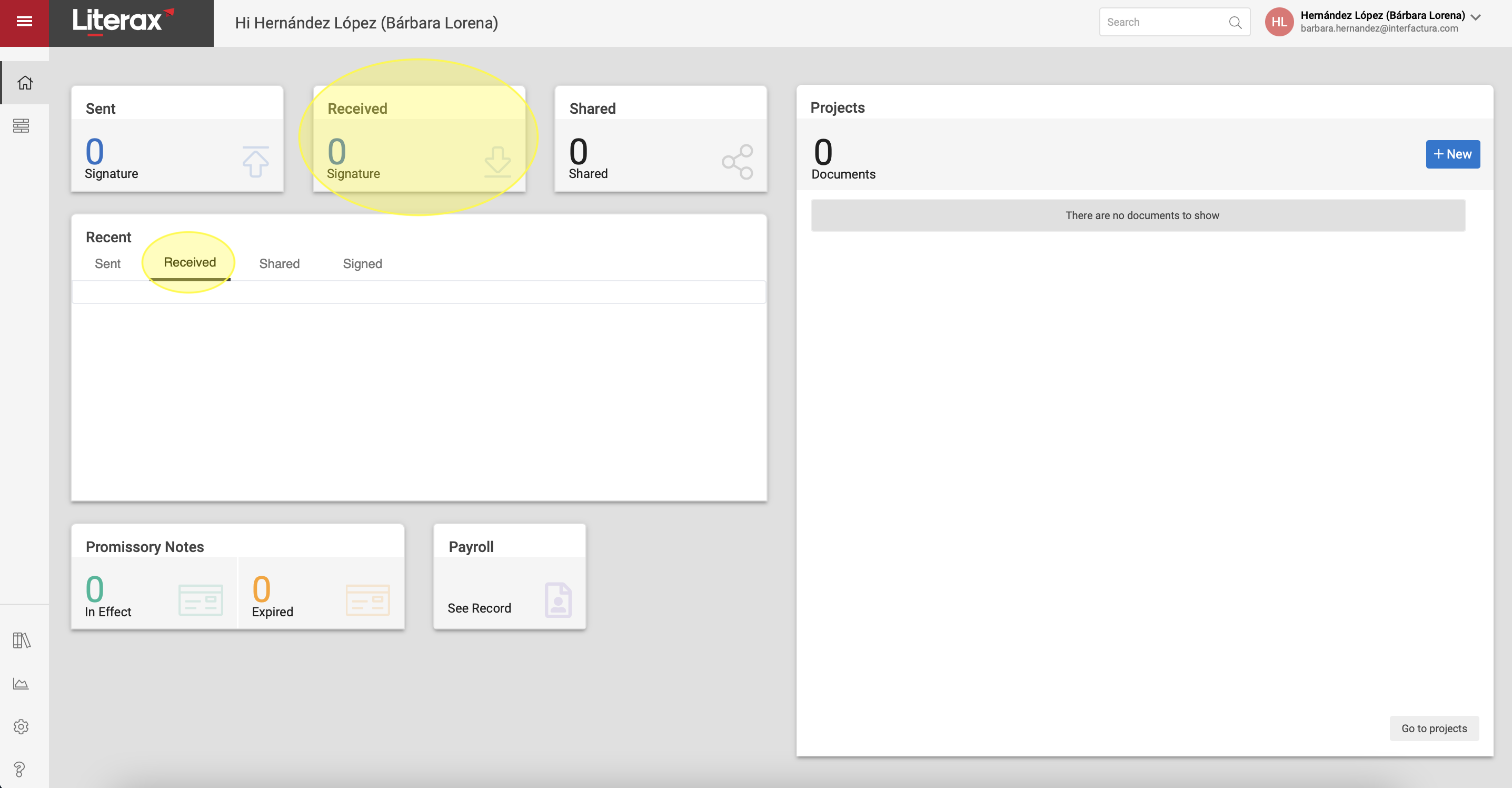
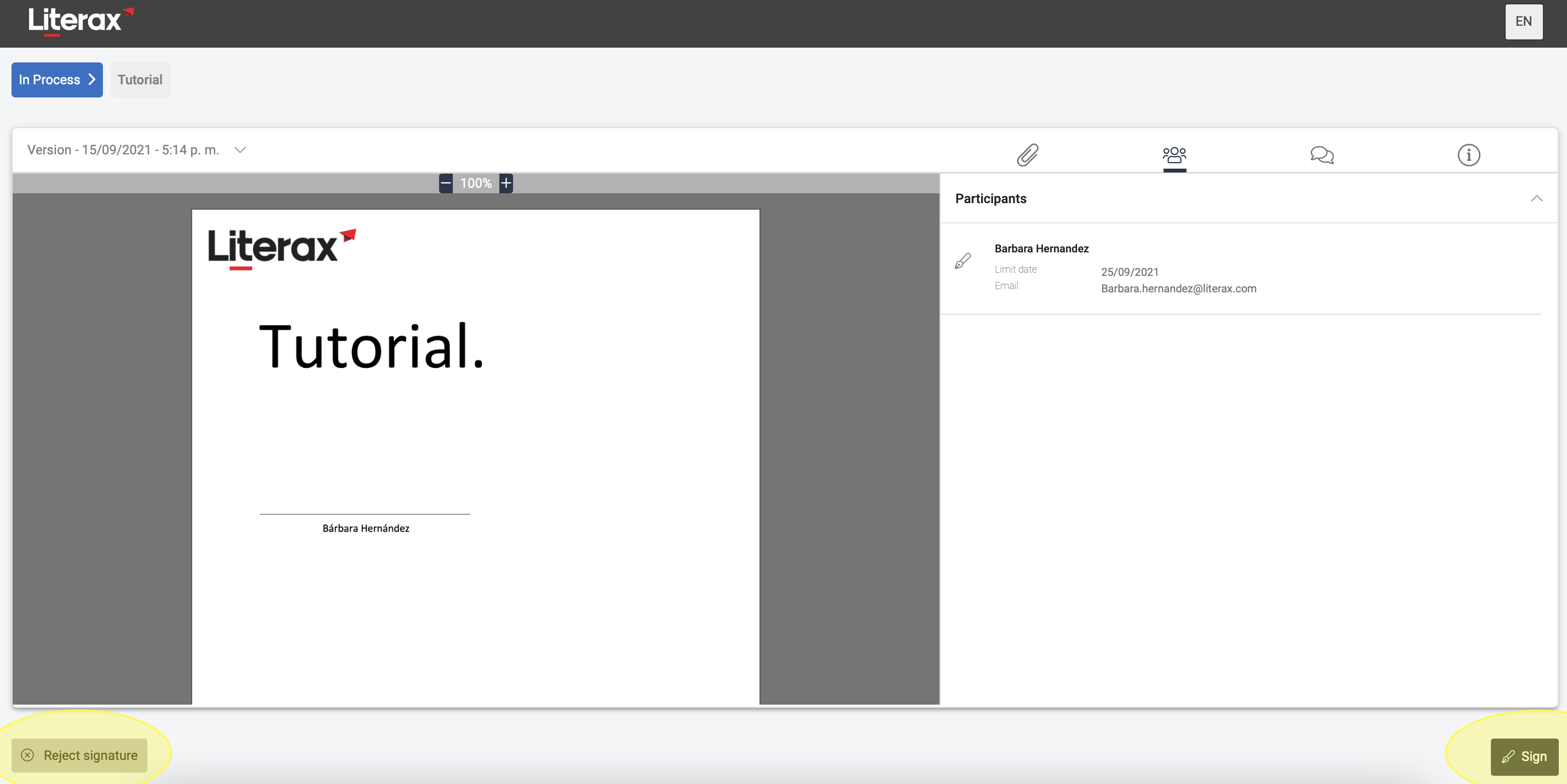
1. Sign. If you are a signatory, you can sign the document received.
2. Do not sign. To reject the signature of the received document you just have to click on "Reject signature".
On documents that are already signed you can:
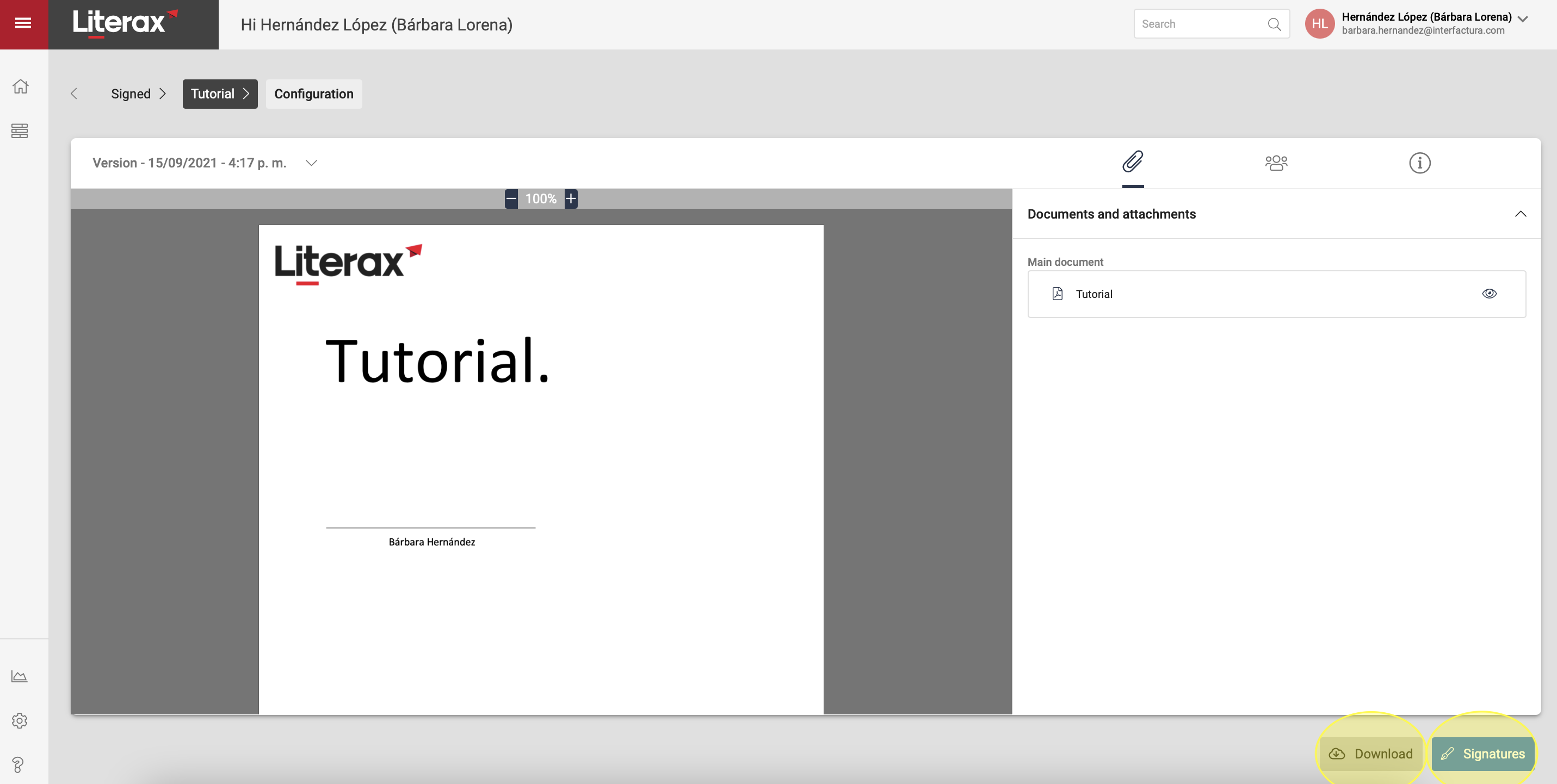
• View Signatures. Allows you to review the signatures and their certification details.
• Download. It makes it easier for you to obtain the documents in order to save them when they are already signed as an original.